Note
Go to the end to download the full example code.
Loading Data into the quantem Package#
This example demonstrates how to load data into the quantem package.
from quantem.core.io.file_readers import read_4dstem

from em_database.data import BilayerWS2
# Ensure the dataset is downloaded
dataset = BilayerWS2()
file_path = dataset.download()
# Load the data using quantem
data = read_4dstem(file_path)
print(data)
quantem Dataset named '4D-STEM dataset'
  shape: (246, 246, 8, 8)
  dtype: float32
  device: cpu
  origin: [-17.22 -17.22 -16.66 -16.66]
  sampling: [0.14  0.14  4.165 4.165]
  units: ['A^-1', 'A^-1', 'mrad', 'mrad']
  signal units: 'arb. units'
Display the data using quantem’s built-in visualization
data.show()
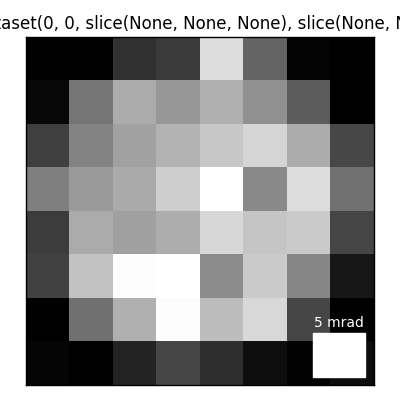
(<Figure size 400x400 with 1 Axes>, <Axes: title={'center': '4D-STEM dataset(0, 0, slice(None, None, None), slice(None, None, None))'}>)
Total running time of the script: (0 minutes 3.219 seconds)